
A Pattern I Noticed Over Time
Every now and then I watch a YouTube live stream. Not regularly — maybe a few times a month when I’m in the mood and someone I follow happens to be live. Could be a coding session, a Q&A, a product launch, whatever. I enjoy the format. There’s something nice about watching someone work or talk in real time while a little community forms in the chat beside them.
And after watching enough of these over the past year or so, I started noticing something. Not in every stream, but often enough that it stuck with me. The streamer falls behind on chat. They’re focused on what they’re doing — as they should be — and when they look back at the chat panel, they’ve lost their place. Messages have scrolled past. They try to catch up, scroll a bit, give up, and just start reading from the bottom again.
Sometimes they miss a good question. Sometimes they miss a Super Chat, which is awkward because that person literally paid for attention. Most of the time it’s not a big deal — the stream goes on, nobody’s upset. But it kept happening, across different channels, different topics, different audience sizes. And at some point I started thinking about why.
A Tool With No Memory
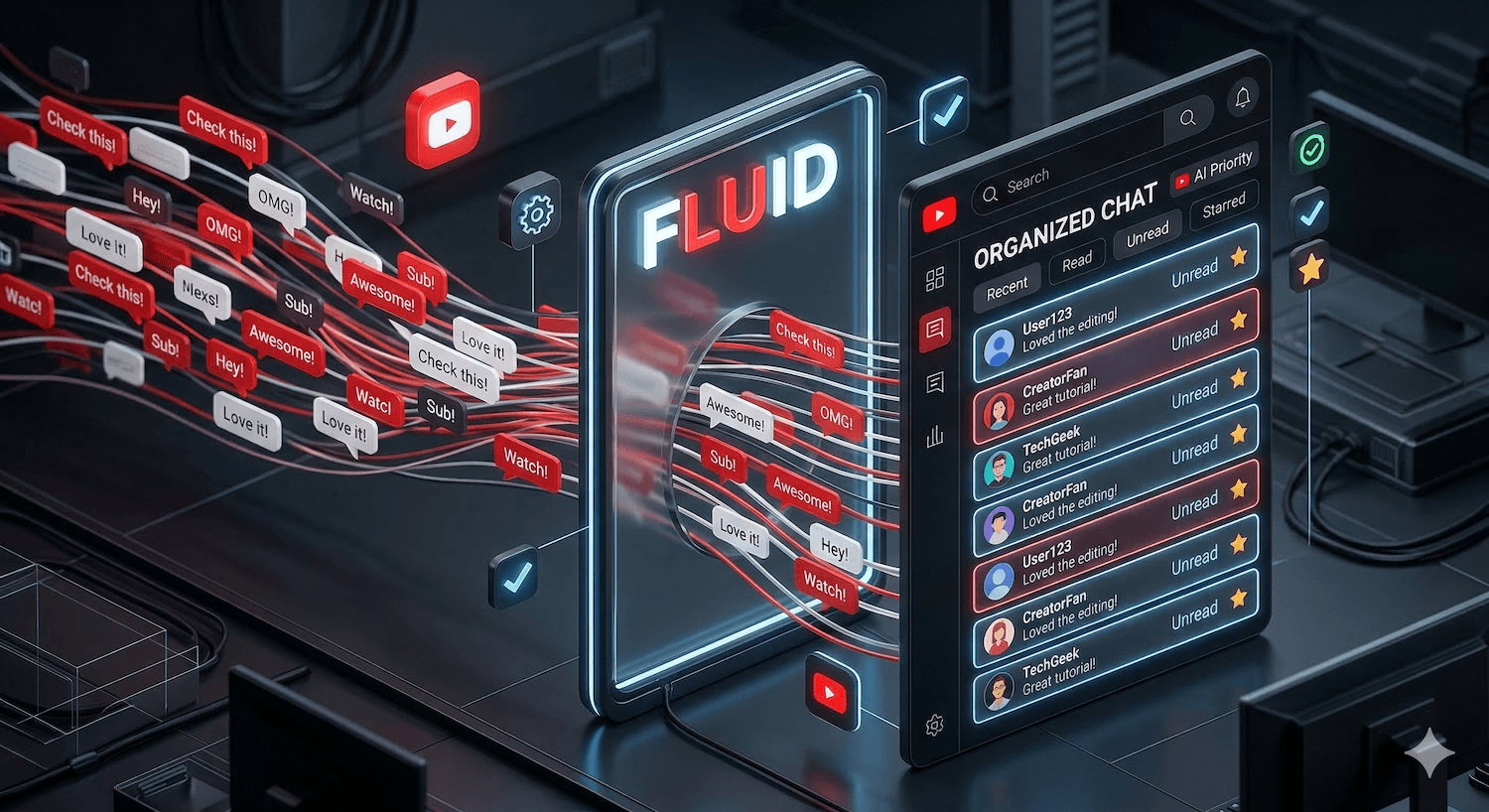
The answer is pretty simple: YouTube’s live chat has no memory. There’s no concept of “read” and “unread.” There’s no bookmark, no way to jump back to where you left off, no counter telling you how many messages you missed while you were looking at something else. It’s a continuous scroll, and if you blink, you lose your spot.
I’m a developer, so naturally I spent a couple of weekends building something about it.
What I Made
Fluid Live Chat is a small web dashboard that connects to a YouTube Live broadcast and does one thing the native chat doesn’t: it tracks what you’ve read. Every message starts as unread. As you go through them, they get marked. You can see your stats at a glance — total messages, read count, read percentage, how long the session has been running.
The feature I like most is the “Go to Last Read” button. You step away from chat for a minute, come back, click the button, and you’re right where you left off. Simple, but it’s the thing that was missing.
There are also filters — All, Unread, Highlighted, Super Chat. You can star a message to come back to it later, or flag one to hide it from your view (useful if you’re moderating). And for Pro users there’s an Ultra-Fast Mode that polls YouTube’s API more aggressively during busy moments.
Keeping It Small
I didn’t want to build a platform. No overlays, no alerts system, no integrations with fifteen other services. You sign in with your Google account, start a live stream on YouTube, and the dashboard picks it up automatically. That’s it.
The free tier covers 200 messages and 30 minutes — enough to try it out. Pro is $2.99/month or $23.99/year if you want unlimited sessions. No credit card needed to start.
Why I’m Mentioning It Here
Mostly because Fluid Live Chat came out of the same place a lot of my side projects come from — watching a small, specific problem repeat itself until I can’t not build something for it. I don’t stream myself, and I probably never will. But I like the live format, I like being part of those communities, and I wanted the experience to be a little better for the people running them.
If you stream on YouTube, or moderate for someone who does, maybe give it a look.
This post was written by a human with the help of Claude, an AI assistant by Anthropic.