
What Is the WallpaperColors API?
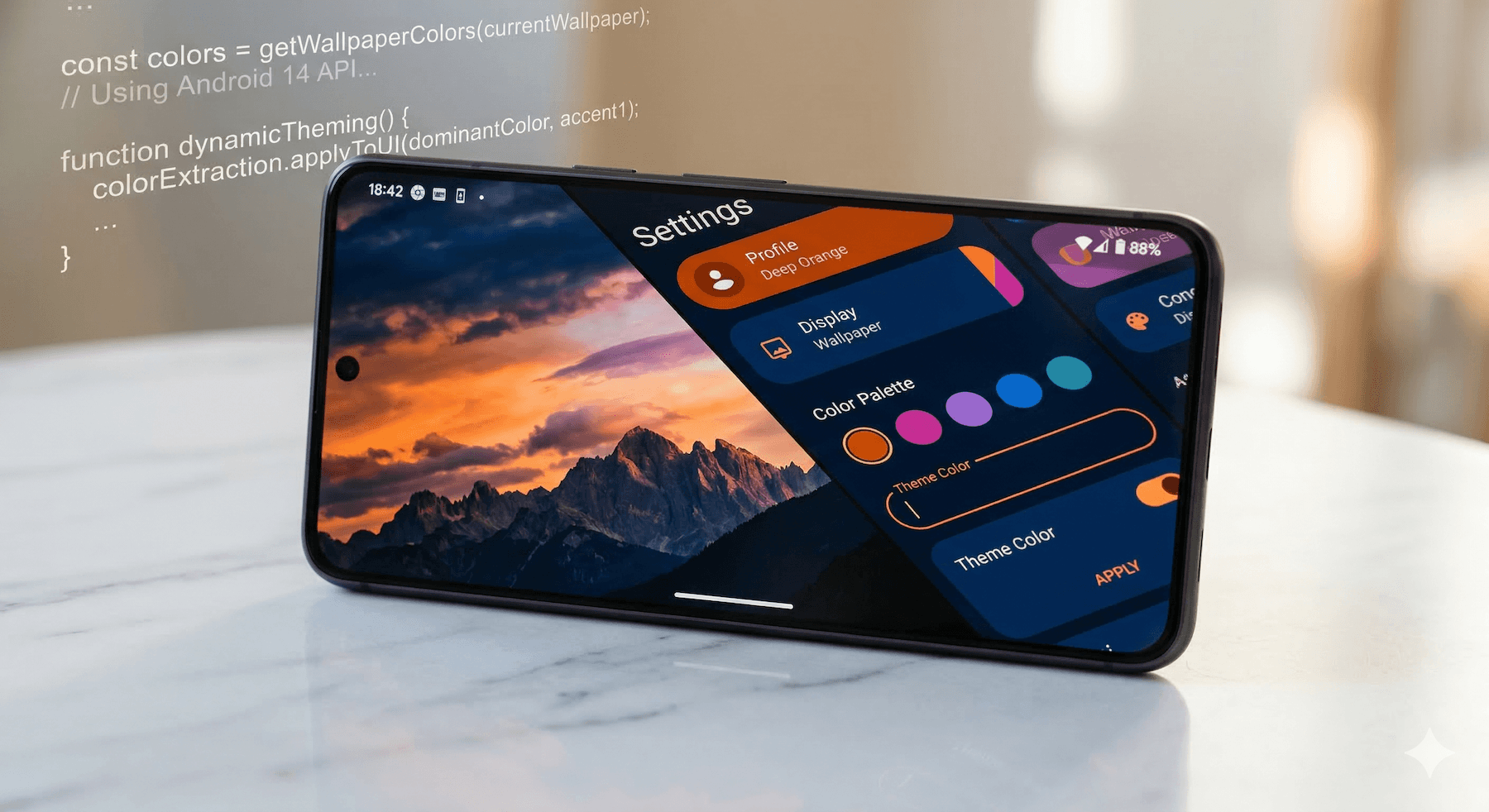
Android 8.1 (API 27) introduced the WallpaperColors API, and it remains one of the most underrated tools for building personalized Android experiences. It lets you extract the dominant, secondary, and tertiary colors from your user’s system wallpaper and apply them to your app’s theme in real time.
On Android 12+ (API 31), Google took this further with Material You’s dynamic color system, which reads wallpaper colors automatically and generates a full color palette for your app. Under the hood, it’s powered by the same WallpaperColors API. So why should you care about the raw API? Two reasons: supporting devices running Android 8.1 through 11 with custom wallpaper-based theming, and implementing onComputeColors() in live wallpapers so the system knows what colors your wallpaper advertises.
The API is available on Android 8.1+, and when paired with Material Design 3’s dynamic color system, it creates a cohesive user experience that feels thoughtfully designed for each individual device.
Getting Started with WallpaperManager
To access wallpaper colors, you’ll work with WallpaperManager. Here’s the basic flow:
import android.app.WallpaperManager

class MyActivity : AppCompatActivity() {
    override fun onCreate(savedInstanceState: Bundle?) {
        super.onCreate(savedInstanceState)

        val wallpaperManager = WallpaperManager.getInstance(this)
        val colors = wallpaperManager.getWallpaperColors(WallpaperManager.FLAG_SYSTEM)

        if (colors != null) {
            val primaryColor = colors.primaryColor.toArgb()
            val secondaryColor = colors.secondaryColor?.toArgb()
            val tertiaryColor = colors.tertiaryColor?.toArgb()

            applyTheme(primaryColor, secondaryColor, tertiaryColor)
        }
    }
}
The getWallpaperColors() method returns a WallpaperColors object with three color properties: primaryColor (always present), secondaryColor, and tertiaryColor (both optional). Each property returns an android.graphics.Color object — call .toArgb() to convert it to an integer you can use in views and themes. The flag parameter can be FLAG_SYSTEM (home screen wallpaper), FLAG_LOCK (lock screen wallpaper), or both combined with a bitwise OR.
Listening for Wallpaper Changes
Users change their wallpaper more often than you’d think. To respond dynamically, register an OnColorsChangedListener. Note that addOnColorsChangedListener requires a Handler as the second parameter — pass null to receive callbacks on the main thread:
class MyActivity : AppCompatActivity() {
    private val colorsChangedListener =
        WallpaperManager.OnColorsChangedListener { colors, which ->
            if (which and WallpaperManager.FLAG_SYSTEM != 0 && colors != null) {
                applyTheme(
                    colors.primaryColor.toArgb(),
                    colors.secondaryColor?.toArgb(),
                    colors.tertiaryColor?.toArgb()
                )
            }
        }

    override fun onResume() {
        super.onResume()
        val wallpaperManager = WallpaperManager.getInstance(this)
        wallpaperManager.addOnColorsChangedListener(colorsChangedListener, null)
    }

    override fun onPause() {
        super.onPause()
        val wallpaperManager = WallpaperManager.getInstance(this)
        wallpaperManager.removeOnColorsChangedListener(colorsChangedListener)
    }
}
Two things to watch for here. First, the colors parameter is nullable — the system sends null when the wallpaper is mid-transition or being reset, so always check before accessing properties. Second, always unregister in onPause() to avoid leaking your Activity.
Dynamic Colors in Jetpack Compose
With Jetpack Compose and Material 3, the recommended approach is to use dynamicLightColorScheme() and dynamicDarkColorScheme() on Android 12+, and fall back to manual wallpaper color extraction on older devices:
import androidx.compose.foundation.isSystemInDarkTheme
import androidx.compose.material3.MaterialTheme
import androidx.compose.material3.dynamicDarkColorScheme
import androidx.compose.material3.dynamicLightColorScheme
import androidx.compose.material3.lightColorScheme
import androidx.compose.material3.darkColorScheme
import androidx.compose.runtime.Composable
import androidx.compose.runtime.remember
import androidx.compose.ui.platform.LocalContext
import android.os.Build

@Composable
fun MyAppTheme(
    darkTheme: Boolean = isSystemInDarkTheme(),
    content: @Composable () -> Unit
) {
    val context = LocalContext.current
    val colorScheme = when {
        Build.VERSION.SDK_INT >= Build.VERSION_CODES.S -> {
            if (darkTheme) dynamicDarkColorScheme(context)
            else dynamicLightColorScheme(context)
        }
        Build.VERSION.SDK_INT >= Build.VERSION_CODES.O_MR1 -> {
            // Android 8.1-11: extract wallpaper colors manually
            val wallpaperManager = remember {
                WallpaperManager.getInstance(context)
            }
            val wallpaperColors = wallpaperManager
                .getWallpaperColors(WallpaperManager.FLAG_SYSTEM)
            if (wallpaperColors != null) {
                buildCustomColorScheme(wallpaperColors, darkTheme)
            } else {
                if (darkTheme) darkColorScheme() else lightColorScheme()
            }
        }
        else -> {
            if (darkTheme) darkColorScheme() else lightColorScheme()
        }
    }

    MaterialTheme(colorScheme = colorScheme) {
        content()
    }
}
A few details that matter here. The WallpaperManager.getInstance() call is wrapped in remember to avoid recreating it on every recomposition. The function checks isSystemInDarkTheme() and selects the appropriate color scheme variant — something a lot of tutorials skip. And the fallback path handles three tiers: Android 12+ (automatic), Android 8.1-11 (manual extraction), and pre-8.1 (static fallback).
Building a Custom Color Scheme from WallpaperColors
For the pre-Android 12 fallback, you need to map wallpaper colors to Material 3 color roles yourself:
import androidx.compose.material3.ColorScheme
import androidx.compose.material3.lightColorScheme
import androidx.compose.material3.darkColorScheme
import androidx.compose.ui.graphics.Color
import android.app.WallpaperColors

fun buildCustomColorScheme(
    wallpaperColors: WallpaperColors,
    darkTheme: Boolean
): ColorScheme {
    val primary = Color(wallpaperColors.primaryColor.toArgb())
    val secondary = wallpaperColors.secondaryColor
        ?.let { Color(it.toArgb()) } ?: primary.copy(alpha = 0.7f)
    val tertiary = wallpaperColors.tertiaryColor
        ?.let { Color(it.toArgb()) } ?: secondary.copy(alpha = 0.7f)

    val base = if (darkTheme) darkColorScheme() else lightColorScheme()
    return base.copy(
        primary = primary,
        secondary = secondary,
        tertiary = tertiary
    )
}
Starting from the default lightColorScheme() or darkColorScheme() and using .copy() is more robust than constructing a scheme from scratch — you get sensible defaults for all the color roles you don’t override (error, outline, surface variants, etc.).
Advertising Colors from a Live Wallpaper
If you’re building a live wallpaper, you should override onComputeColors() in your WallpaperService.Engine so the system knows what colors your wallpaper is showing. This is how other apps (and the system UI) can theme themselves to match your wallpaper:
class MyLiveWallpaper : WallpaperService() {
    override fun onCreateEngine(): Engine = MyEngine()

    inner class MyEngine : Engine() {
        override fun onComputeColors(): WallpaperColors {
            val primaryColor = Color.valueOf(0.384f, 0.0f, 0.933f, 1.0f)
            val secondaryColor = Color.valueOf(0.012f, 0.855f, 0.776f, 1.0f)
            val tertiaryColor = Color.valueOf(0.012f, 0.663f, 0.957f, 1.0f)

            return WallpaperColors(primaryColor, secondaryColor, tertiaryColor)
        }
    }
}
An important detail: Color.valueOf() expects RGBA floats in the 0-1 range, not hex integers. If you pass a hex literal like 0xFF6200EE, Kotlin treats it as a Long (since it exceeds Int.MAX_VALUE), which calls the Color.valueOf(long) overload for packed wide-gamut colors — that’s a different format entirely and will produce wrong results. Stick with the float constructor or use Color.valueOf(Color.parseColor(“#6200EE”)) if you prefer hex notation.
When your wallpaper’s visual state changes (say, a seasonal transition from winter to spring), call notifyColorsChanged() to tell the system to call onComputeColors() again. If you’re building a live wallpaper with seasonal animations, this is how you keep the system palette in sync with the current scene.
Best Practices
- Null-check everything: secondaryColor and tertiaryColor can be null, and the OnColorsChangedListener callback can receive null colors during wallpaper transitions. Always provide fallback values.
- API level gates: WallpaperColors requires API 27+. Wrap all usage in Build.VERSION.SDK_INT checks.
- Cache the WallpaperManager: Don’t call WallpaperManager.getInstance() repeatedly in hot paths. In Compose, wrap it in remember.
- Animate transitions: When wallpaper colors change, animate between the old and new theme instead of snapping. Your users will notice the polish.
- Don’t fight Material You: On Android 12+, prefer dynamicLightColorScheme() and dynamicDarkColorScheme() over manual extraction. The system generates a much richer palette than the three raw colors you get from WallpaperColors.
When to Use WallpaperColors Directly
To be clear about when you actually need this API versus just using Material 3’s dynamic color:
- Use dynamicLightColorScheme / dynamicDarkColorScheme on Android 12+ for app theming. This is the simple path and handles everything.
- Use WallpaperColors directly for pre-Android 12 fallback theming, for live wallpaper development (implementing onComputeColors()), or when you need the raw dominant colors for custom use cases like generating a color-matched splash screen.
For more details, check the WallpaperColors API reference and the Material You dynamic colors guide.
This post was written by a human with the help of Claude, an AI assistant by Anthropic.