
Introduction
What is Kotlin?
It is a new programming language built by JetBrains, and as you may already know, Google announced at Google I/O 2017, that they will now officially support this language. It is inspired by existing languages such as Java, C#, JavaScript, Scala and Groovy.
What are the advantages of using Kotlin?
- it’s a more concise language (40% cut in the number of lines of code)
- less NullPointerException errors by making all types non-nullable by default
- New features like:
- smart casting
- high order functions
- Coroutines
- Lambdas, etc
Hello World, Kotlin
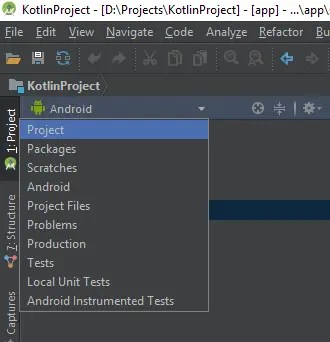
Let’s create a Hello World project. Create a new project by checking Kotlin option that is available starting with Android Studio 3.0 (Note! If you already have a project and want to convert it to Kotlin, Android Studio has an option to do this too, but we will talk about it in another post).
Step 1
File – New – New Project

Step 2

Step 3

Step 4

Step 5
Step 6
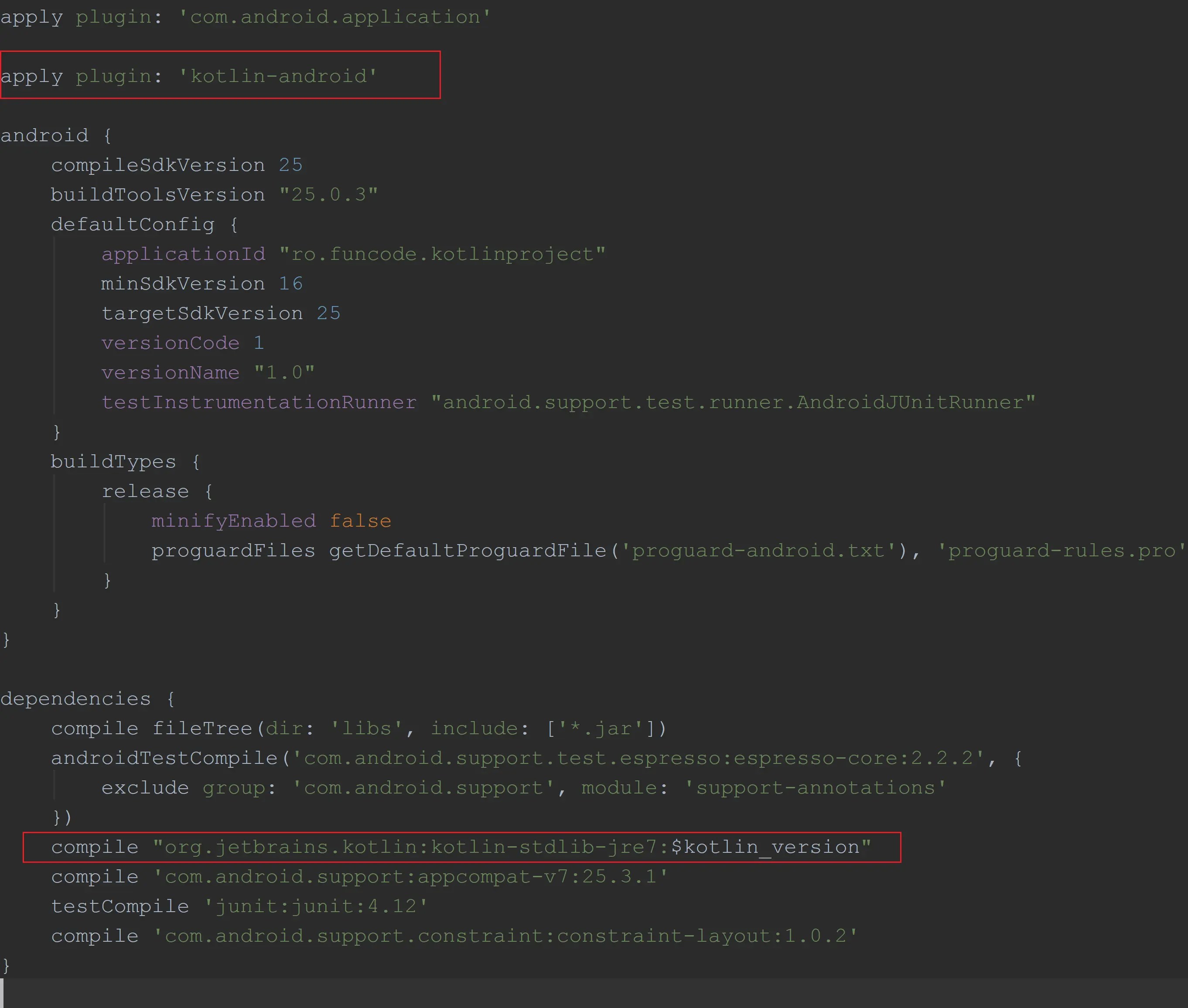
Notice that a kotlin-android plugin was added to the module gradle file.
Step 7
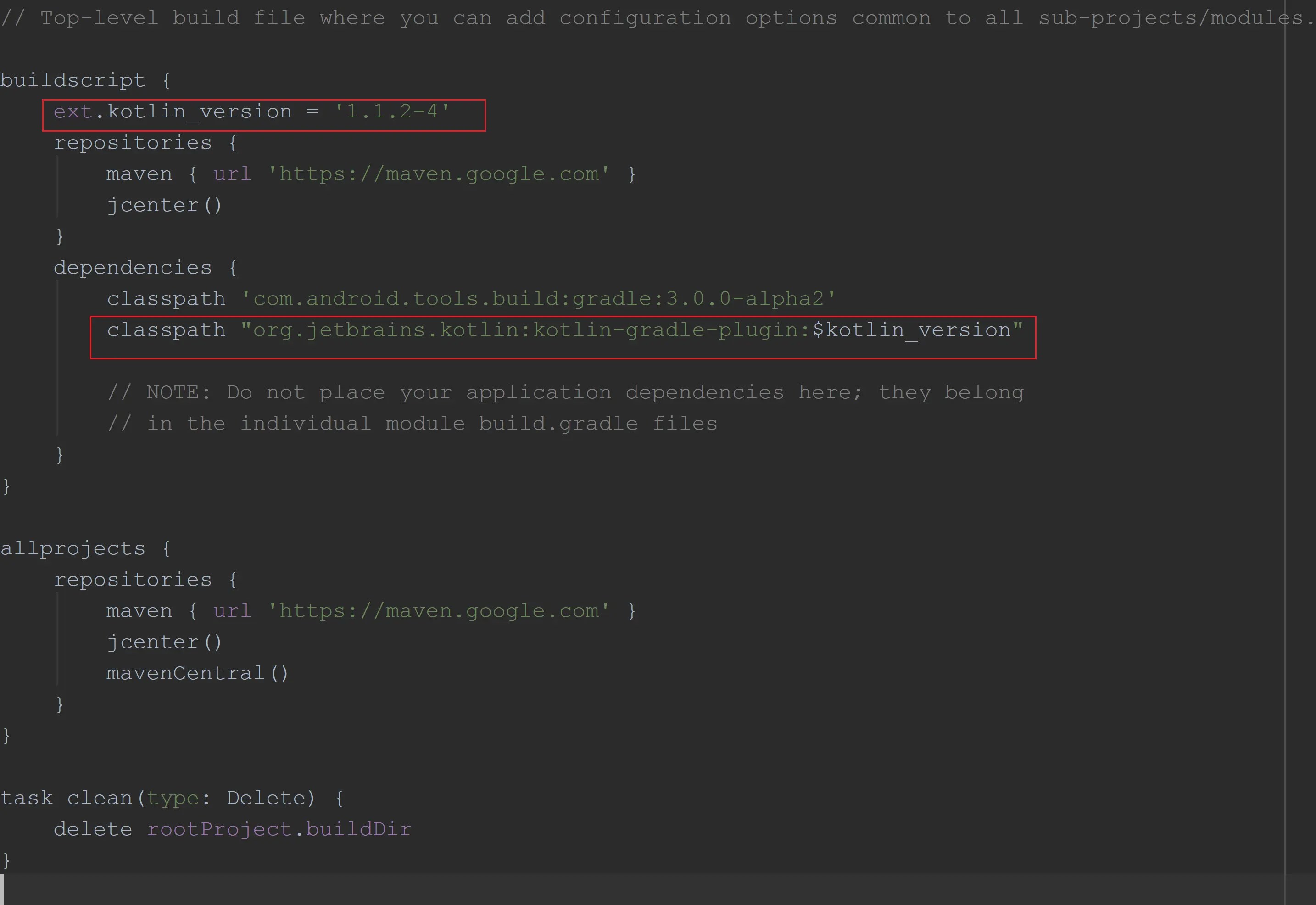
Also, notice these changes in the project build.gradle file.
activity_main.xml
<?xml version="1.0" encoding="utf-8"?>
<android.support.constraint.ConstraintLayout xmlns:android="http://schemas.android.com/apk/res/android"
    xmlns:app="http://schemas.android.com/apk/res-auto"
    xmlns:tools="http://schemas.android.com/tools"
    android:layout_width="match_parent"
    android:layout_height="match_parent"
    tools:context="ro.funcode.kotlinproject.MainActivity">

    <TextView
        android:id="@+id/textViewKotlin"
        android:layout_width="wrap_content"
        android:layout_height="wrap_content"
        android:text="Hello World!"
        app:layout_constraintBottom_toBottomOf="parent"
        app:layout_constraintLeft_toLeftOf="parent"
        app:layout_constraintRight_toRightOf="parent"
        app:layout_constraintTop_toTopOf="parent" />

</android.support.constraint.ConstraintLayout>
MainActivity
Now, in the MainActivity class, the onCreate() method, looks like this:
package ro.funcode.kotlinproject

import android.support.v7.app.AppCompatActivity
import android.os.Bundle
import kotlinx.android.synthetic.main.activity_main.*

class MainActivity : AppCompatActivity() {

    override fun onCreate(savedInstanceState: Bundle?) {
        super.onCreate(savedInstanceState)
        setContentView(R.layout.activity_main)

        textViewKotlin.setText("Kotlin is great!");
    }
}
As you can see there are changes in the writing (obviously :P):
- instead of “MainActivity extends AppCompatActivity” now we have to use “:“
- onCreate is now a function
- the onCreate parameters look like this now “savedInstanceState: Bundle?” (we will get more into this in other posts)
COOL FACT: Notice that we could set a text on our TextView without using findViewById()! We just wrote the id itself and set the text and that’s it. Cool, ha? :)