
Automating Android Root Cause Discovery with AI: Crashlytics, MCP, and Claude 4.8
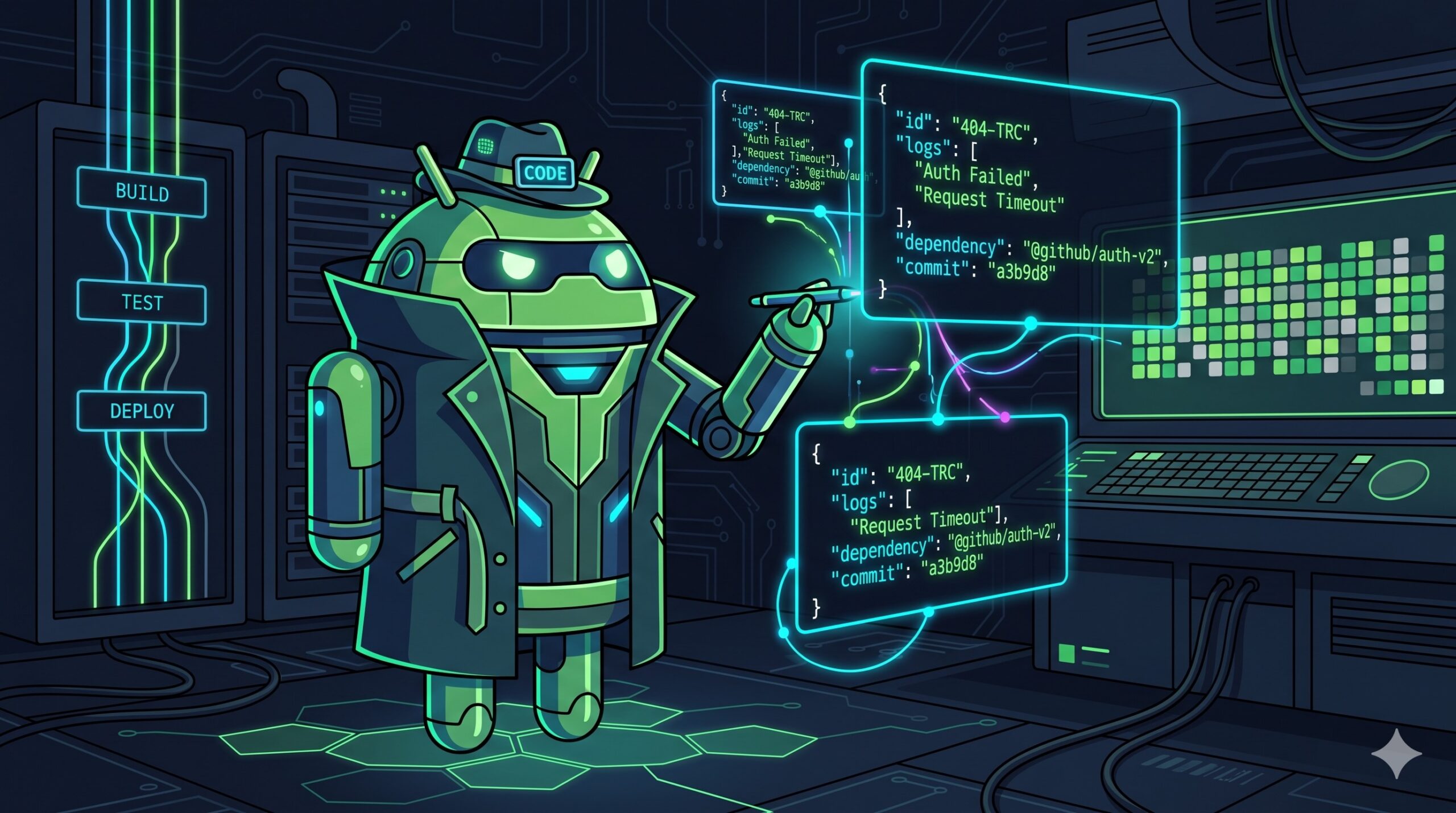
Every Android app that ships crashes. Users hit unexpected states, device configurations trigger edge cases, and third-party libraries fail in mysterious ways. The traditional approach to bug fixing is manual: you read the stack trace, search for the failing line, mentally reconstruct the call graph, and try to reproduce it locally. When you have dozens of crash variants, this doesn’t scale.
But AI-powered crash triage has changed the equation. Today, you can pipe your Crashlytics data directly into an LLM, ask it to analyze the pattern, and propose a fix in seconds. In this post, we’ll look at the modern Android debugging workflow using Firebase’s new MCP tools, AI-ready structured logging, and GitHub Actions with the latest Claude 4 models.
1. The Foundation: AI-Ready Structured Telemetry
Before AI can analyze your crashes, you need to feed it good data. If you pass free-text strings to Crashlytics’ log() function, the AI has to guess the format. For an AI to accurately detect patterns and anomalies, the secret is JSON-structured logging.
Crashlytics has three main ways to record data, and you must use them correctly for AI consumption:
- Breadcrumbs (
log()): Use these for time-series event recording. Instead of plain text, log JSON strings containing aneventdomain, astep, and aflowId. Keep in mind that older entries are purged after the logs exceed 64KB. - Custom Keys (
setCustomValue()): Use these to record a snapshot of the state at the exact moment of the crash. You can store up to 64 keys, up to 1KB each. - Non-Fatals (
recordException()): Limit these to truly actionable errors, as Crashlytics limits them to 8 per session before discarding the oldest.
2. Interactive Debugging with Firebase MCP
Firebase recently introduced experimental Model Context Protocol (MCP) support for Crashlytics. This means your AI-powered development tools (like Claude Code, Cursor, or the Gemini CLI) can securely interact with your live Crashlytics data directly from your terminal or IDE.
Instead of manually exporting data, you can use the guided crashlytics:connect command. You can simply prompt your AI with:
“A customer reported an issue during login on our latest release. What Crashlytics issues do I have that could be related to this?”
Because the AI is equipped with the Crashlytics MCP tools, it will read your local Android source code, fetch the relevant issue data (like user counts and stack traces), and determine the root cause for you. You can even ask the AI to leave a note on the Crashlytics issue summarizing its investigation!
3. Automating Triage with GitHub Actions
While interactive debugging is great, the ultimate goal is an automated CI/CD pipeline. For this, we can use the official anthropics/claude-code-action (recently updated to v1.0).
This GitHub Action acts as a general-purpose assistant that can answer questions, review PRs, and implement simple fixes directly in your workflow.
Here is how you can set up a workflow to automatically triage new issues. When a high-impact crash is detected, a webhook can create a GitHub Issue, which triggers Claude to analyze it:
on:
  issues:
    types: [opened]

jobs:
  triage:
    runs-on: ubuntu-latest
    steps:
      - name: Checkout Code
        uses: actions/checkout@v4

      - name: Claude Code Action
        uses: anthropics/claude-code-action@v1.0
        with:
          github_token: ${{ secrets.GITHUB_TOKEN }}
          anthropic_api_key: ${{ secrets.ANTHROPIC_API_KEY }}
          prompt: |
            You are an expert Android crash analyst.
            Review the stack trace in this issue alongside our repository's source code.
            1. Identify the root cause.
            2. Suggest a concrete fix in JSON format.
            3. Prioritize the severity.
Which Model Should You Use?
The Claude ecosystem recently introduced the Claude 4 generation, which is available on platforms like Google Cloud Vertex AI.
- Claude Sonnet 4.6: With a massive 1M-token context window, this is the recommended model for bulk crash triage, code reviews, and fast pipeline tasks.
- Claude Opus 4.8: Anthropic’s most powerful reasoning model, also featuring a 1M-token context window. Use Opus for deep, complex architectural bugs where state dependencies span across multiple ViewModels and Repositories.
The “Cheat Sheet”: When to use AI for Android Crashes
LLM crash analysis isn’t a magic bullet. Here is a quick reference guide for when to rely on your automated pipeline versus human intuition:
✅ Best for LLM Analysis:
- Framework Exceptions:
NullPointerException,IllegalStateException, or Coroutine lifecycle issues where source code context matters. - Repository/Service Layer Bugs: State management and threading issues.
❌ Better for Human Triage:
- Out-of-Memory (OOM) Errors: These usually require manual heap dump analysis.
- Device-Specific Hardware Bugs: If a crash only happens on one obscure device, it’s likely an OS or driver issue.
- Obfuscated 3rd-Party Library Crashes: If it happens deep inside a closed-source SDK, the LLM won’t have the source code to reason about it.
Conclusion
AI-powered crash triage transforms how Android teams respond to bugs. By combining structured JSON logging, the new Firebase Crashlytics MCP integration, and the Claude GitHub Action, you can turn hours of detective work into a structured, rapid analysis pipeline.
Pro-tip for Firebase users: If you are operating the Firebase CLI to test or deploy, you can also leverage the Firebase CLI skill to handle emulator setups, rule deployments, and project bootstrapping directly from Claude Code!
Obviously that next step would be to do something similar and scan for issues found and create PRs with fixes.
This post was written by a human with the help of Claude, an AI assistant by Anthropic.